
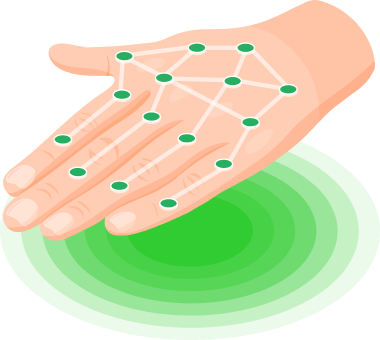
This is a fully contactless, innovative way to pay the fare. You no longer need to carry a bank card or take it out of your wallet, as your hand is always with you.
The biometric payment service is not mandatory for all passengers – all other payment methods remain operational.
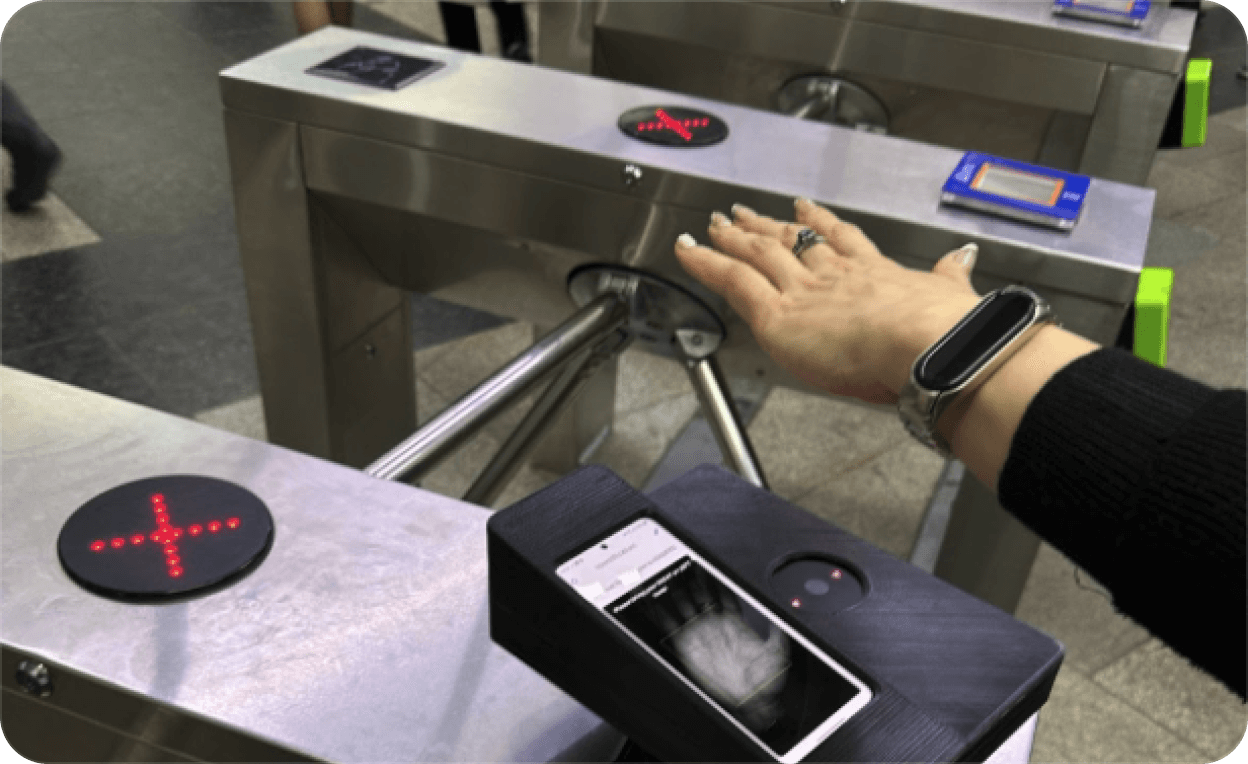
Paying with your palm is very easy: simply place any palm on the device installed on the turnstile. The turnstile will open and the fare will be deducted from the linked transport card.
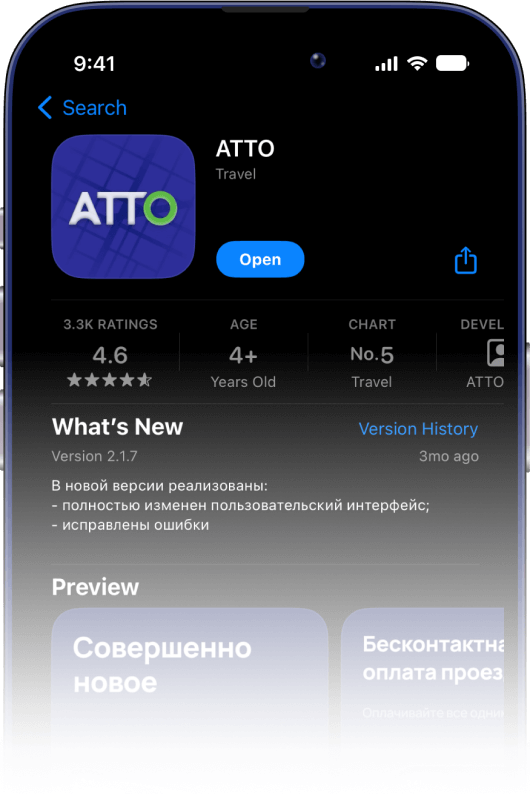
Download the app from Google Play and the App Store
Enter your phone number and password
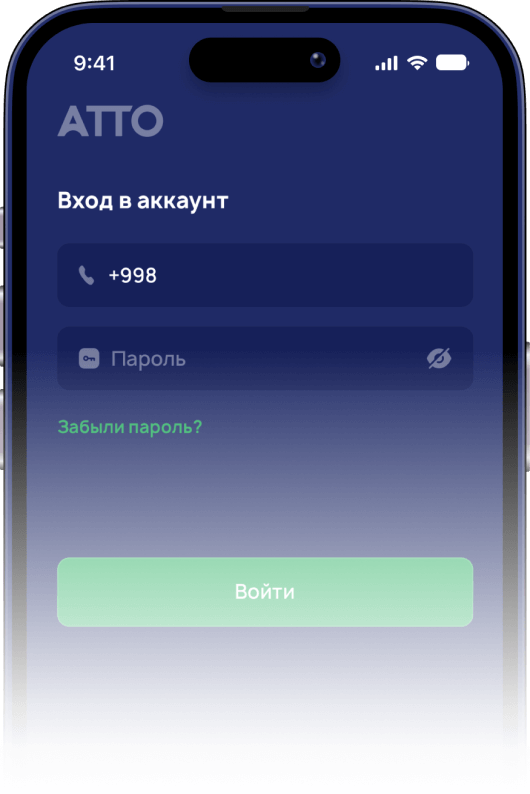
or open a free virtual card
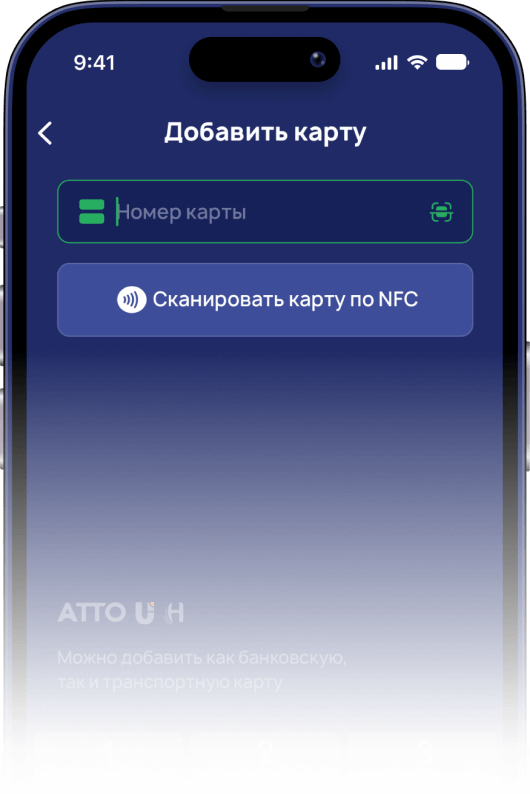
Go to the registration desk at the metro station.
A staff member will ask you to place your palm above the scanning device. Hold your hand correctly, 15 cm above the device.
First scan your right hand, then your left. After that, a QR code will appear on the screen.
Scan the QR code using the ATTO mobile app. On the home screen, tap "Activate PalmPay" then "Scan QR code".
Check that PalmPay is activated in the ATTO app
Before passing through the turnstile, make sure your linked transport card has sufficient balance. Hold your palm 15 cm above the device
Remove your gloves before entering the turnstile and roll up sleeves so your palm is uncovered
Approach the turnstile with the scanning device
Place your palm over the scanner and wait for the green light. Once it turns on, proceed through the turnstile
The fare amount will be deducted from the linked card after a short time
Pass through and have a safe journey!